

Why Mobile Applications Use SMS Verification During Account Registration
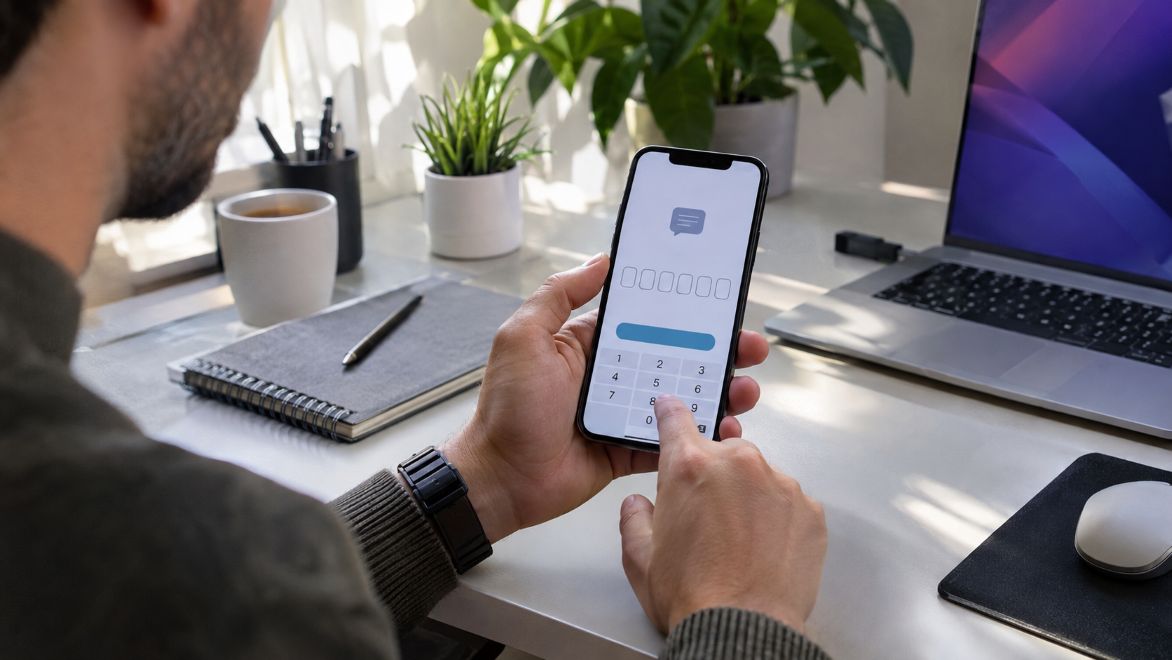
Mobile applications commonly use SMS verification to confirm that users have access to the phone numbers they provide during registration. This process adds a basic security check before an account becomes active. Messaging platforms, financial applications, and online services use verification codes to reduce unauthorized registrations and establish a reliable contact method.
Phone verification also raises questions about privacy and alternative registration methods. For example, people researching how to use WhatsApp without phone number may be looking for ways to keep their personal mobile numbers private. However, WhatsApp’s Help Center explains that new accounts require a supported phone number capable of receiving a registration code. This illustrates how phone verification remains an important part of account creation.
How SMS Verification Works During Registration
SMS verification usually begins when someone enters a mobile number into an application. The system generates a temporary one-time password, commonly called an OTP, and sends it through a text message. The user enters that code to complete the registration process.
The National Institute of Standards and Technology (NIST) describes this approach as a form of out-of-band verification. It involves sending a security code through a communication channel separate from the application’s main registration process.
The process generally follows four steps:
- The user enters a phone number during registration.
- The application generates and sends a temporary verification code.
- The user enters the code before it expires.
- The application checks the code and confirms access to the number.
This method helps establish that the applicant can receive messages at the registered number. However, it does not independently prove the person’s identity or legal ownership of that number.
Why Applications Continue Using SMS Verification
Reducing Automated and Fake Registrations
Applications that allow unrestricted registration can attract automated accounts. These accounts may distribute spam, abuse promotional offers, or disrupt online communities.
Phone verification adds another step that automated registration systems must overcome. Although it cannot eliminate fraudulent accounts, it can increase the difficulty of creating them in large numbers.
The Open Worldwide Application Security Project (OWASP) identifies SMS codes as a relatively simple verification method. Their effectiveness improves when applications combine them with rate limits, suspicious activity monitoring, and other security controls.
Confirming Access to Contact Information
Applications often need a dependable contact method for account notifications and recovery procedures. An incorrect or inaccessible phone number can make these processes difficult.
By confirming access during registration, applications reduce the likelihood of storing unreachable contact numbers. This becomes useful when users request account recovery or need to receive important security notifications.
Making Registration Familiar and Accessible
Many smartphone users already understand how text messaging works. Receiving a short code requires little technical knowledge and usually avoids installing another verification application.
For developers, SMS can provide a familiar registration option across different mobile operating systems. However, delivery still depends on telecommunications networks, supported phone numbers, and reliable service coverage.
What SMS Verification Cannot Guarantee
Despite its practical advantages, SMS verification has important security limitations. Receiving a code establishes temporary access to a phone number, but it does not guarantee that the intended account holder controls it permanently.
NIST classifies authentication through traditional telephone networks as restricted because of known security risks. These include unauthorized SIM transfers, number porting, and other methods of intercepting verification messages.
One example is SIM swapping. An attacker may convince a mobile carrier to transfer someone’s number to another SIM card. If successful, the attacker could receive text messages intended for the legitimate subscriber.
The Mozilla Developer Network (MDN) also explains that recycled phone numbers can create complications. A number previously assigned to one person may eventually become available to someone else.
These weaknesses explain why SMS verification should not serve as the only security measure for sensitive accounts.
SMS Verification Compared With Other Registration Methods
Email Verification Offers a Different Contact Channel
Email verification follows a similar process but sends a confirmation link or code to an email address instead of a phone number.
This option may suit applications that do not require telephone-based communication. It can also support users who prefer separating online accounts from personal mobile numbers.
However, compromised email accounts can expose verification messages. Email confirmation therefore requires appropriate security protections as well.
Authenticator Applications Provide Stronger Login Options
Authenticator applications generate temporary security codes without relying on incoming text messages. These codes typically change at regular intervals.
OWASP recommends time-based one-time passwords as an alternative to SMS authentication, particularly when stronger security is needed.
Authenticator applications still require secure setup and recovery procedures. They are generally better suited to ongoing account protection than simply confirming a new contact number.
Passkeys Change How Users Prove Account Ownership
Passkeys use cryptographic technology to authenticate users. They can work with fingerprint recognition, facial recognition, or a device screen lock.
NIST recognizes phishing-resistant authentication methods as an important security improvement. Properly implemented passkeys can reduce dependence on passwords and text-message codes.
However, applications may still request a phone number separately for communication, account discovery, or registration requirements.
Balancing Security, Privacy, and User Convenience
Phone verification introduces a privacy consideration because users must disclose a contact number. Some people prefer maintaining separate numbers for personal communication and online services.
Applications should explain why they collect phone numbers, how the information will be used, and whether users can choose alternative verification methods. Some services also use photo ID verification technology to confirm a person’s identity when stronger checks are necessary.
Unlike SMS verification, which confirms access to a phone number, photo ID verification can help establish identity by examining official identification documents. However, these methods require careful handling of sensitive personal information.
Developers should also consider people who travel frequently, have limited mobile coverage, or cannot reliably receive international messages.
NIST’s Digital Identity Guidelines emphasize offering alternative authenticators where traditional phone-network verification may be unavailable. Providing suitable options can improve accessibility without weakening essential security requirements.
Conclusion
SMS verification remains a practical registration method because it is familiar, relatively simple, and useful for confirming access to mobile numbers. It can discourage some fraudulent registrations while supporting account communication and recovery.
Still, text-message verification has limitations involving privacy, network reliability, and phone-number security. As authentication technology develops, applications can combine traditional verification with passkeys, authenticator applications, and stronger fraud prevention measures.
The future of mobile registration will likely involve giving users more secure and accessible ways to establish account ownership while keeping the registration experience straightforward.